English · one line
Quickspan is a private Android calendar you type into, built for phones, tablets and foldables.
English · short
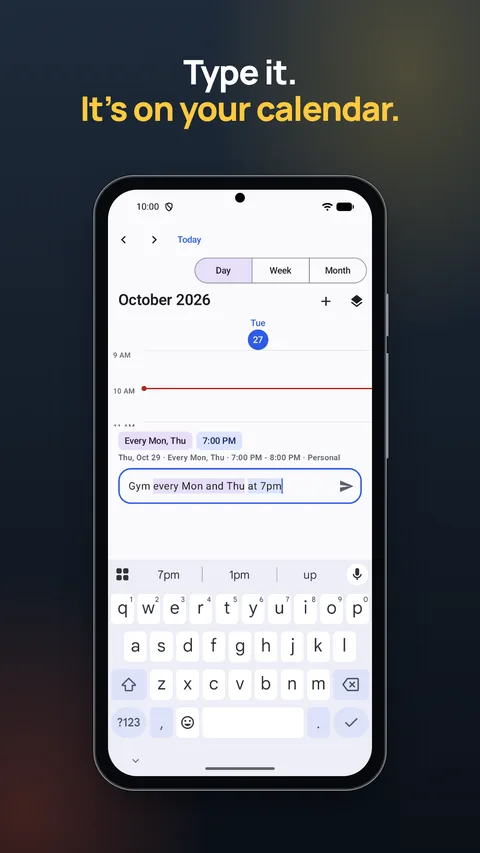
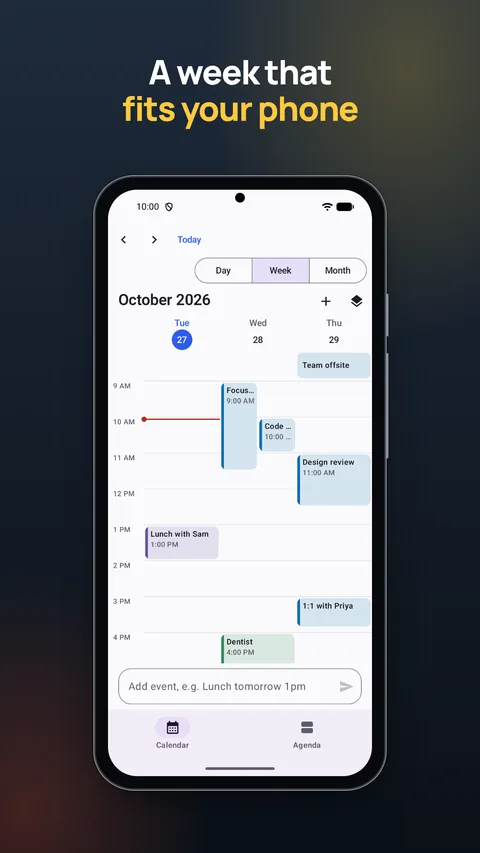
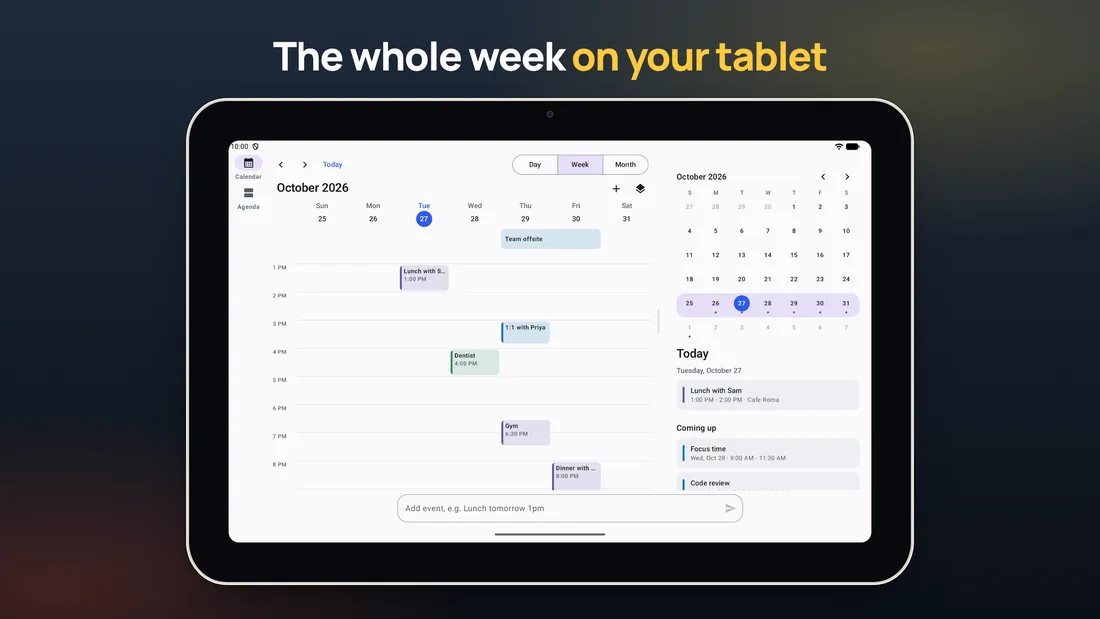
Quickspan is a free calendar and planner for Android. Type “Gym every Mon and Thu at 7pm” and it's on your calendar, in English or Spanish, parsed on the device. The layout follows the screen: a 3-day week on phones, 7 days with a Today panel on tablets, and the week on one side of a foldable's hinge. No account, no ads and no internet permission.
English · long
Quickspan is a calendar for Android that adapts to the screen you're holding and lets you add events by typing them the way you'd say them. As you type “Lunch with Sam tomorrow at 1pm at Cafe Roma”, the date, time, repeat and place light up, and a line shows what will be saved. Leave out the time and it uses your first free hour.
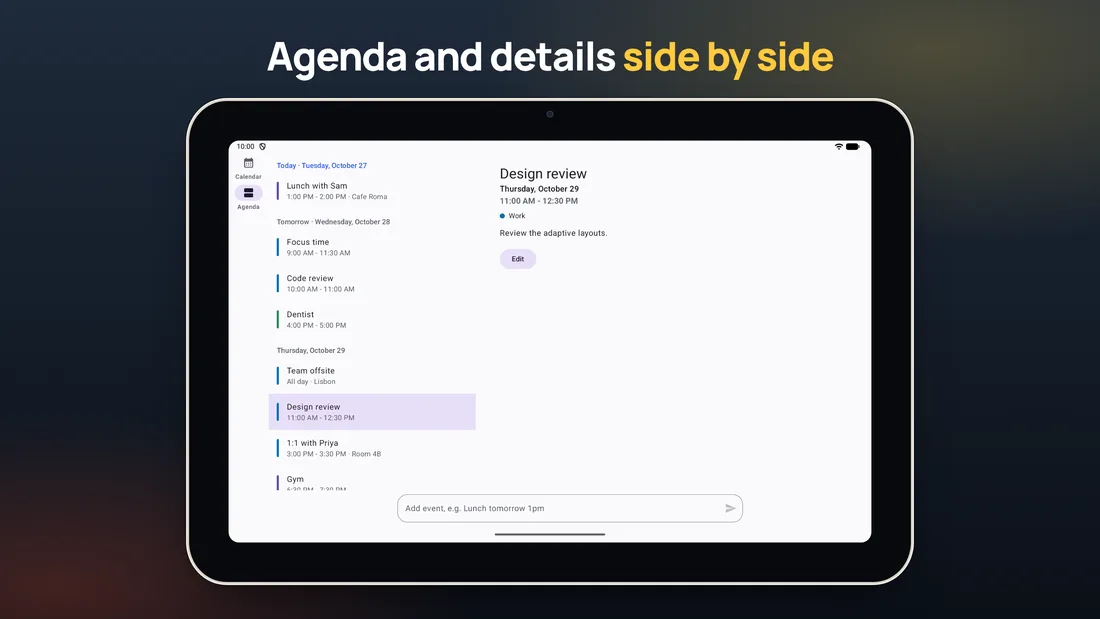
On tablets it shows a 7-day week with a Today panel and a details pane, with keyboard shortcuts, right-click menus, several windows and print to PDF. On foldables, book posture puts the week on one side of the hinge and today on the other, and tabletop posture puts the grid above the fold and the controls below. It can also show the phone's existing Google or Exchange calendars, which keep syncing through the phone's own accounts.
The app has no account, no ads, no analytics and no internet permission, so it can't send your events anywhere.
Español · una línea
Quickspan es un calendario privado para Android en el que escribes tus planes, pensado para móviles, tablets y plegables.
Español · breve
Quickspan es un calendario y agenda gratuito para Android. Escribe «Gimnasio cada lunes y jueves a las 19:00» y ya está en tu calendario, en español o en inglés, y todo se procesa en el móvil. La pantalla se adapta: semana de 3 días en el móvil, 7 días con un panel de «Hoy» en la tablet y la semana a un lado de la bisagra en un plegable. Sin cuenta, sin anuncios y sin permiso de internet.
Español · larga
Quickspan es un calendario para Android que se adapta a la pantalla que tienes en la mano y te deja añadir eventos escribiéndolos como los dirías. Al escribir «Comida con Ana el viernes a las 14:00», la fecha, la hora, la repetición y el lugar se resaltan, y una línea te enseña cómo quedará el evento. Si no pones hora, usa tu primera hora libre.
En la tablet muestra la semana de 7 días con un panel de «Hoy» y los detalles del evento, con atajos de teclado, menú con el botón derecho, varias ventanas e impresión a PDF. En un plegable medio abierto pone la semana a un lado de la bisagra y el día de hoy al otro, y en modo mesa, la semana arriba y los controles abajo. También puede mostrar los calendarios de Google o Exchange del móvil, que siguen sincronizándose con sus cuentas.
No tiene cuenta, ni anuncios, ni estadísticas, ni permiso de internet, así que no puede enviar tus eventos a ningún sitio.
 Quickspan